

ChatGPT and other AI assistants can send visitors to your website, and Google Analytics 4 (GA4) now makes much of this traffic easier to identify. GA4 includes a dedicated AI Assistant channel for recognized AI sources, allowing businesses to examine incoming visits, landing pages, engagement, and conversions. However, some AI-related visits may still appear under other traffic categories when their source is missing or cannot be identified. This guide explains how to find ChatGPT traffic in GA4, check its accuracy, and understand whether those visitors help your business grow.
Why AI Referrals Look Different In GA4?

AI-driven visits do not always appear under the same traffic category in GA4. Since May 2026, Google Analytics has included an AI Assistant channel that identifies visits from recognized AI platforms, such as ChatGPT, Gemini, and Claude. When GA4 recognizes an eligible AI referrer, it can assign the medium ai-assistant instead of treating the visit as a standard referral. This makes it easier to compare AI assistant traffic with other acquisition channels.
For the official details, see Google’s AI Assistant channel update, which explains how GA4 identifies recognized AI traffic and assigns its channel, medium, and campaign values.
Some visits may still appear under Referral, Direct, or Unassigned when GA4 cannot classify them correctly. Browser privacy settings, redirects, and transitions between apps can affect the information received by analytics tools. However, a Direct visit does not prove that someone came from ChatGPT. Businesses should review available source information, campaign parameters, and landing-page data before attributing visits to AI platforms.
Where ChatGPT Traffic Appears in GA4 Reports?
Start by opening GA4 and navigating to Reports > Acquisition > Traffic acquisition. In the Session default channel group report, look for the AI Assistant channel. This category helps identify visits from recognized AI assistants, including ChatGPT. To examine individual platforms, change the primary dimension to Session source / medium. Look for sources such as chatgpt.com or chat.openai.com, and check whether the medium appears as ai-assistant. If you are reviewing older data or traffic that GA4 did not recognize, also examine Referral and other relevant source values.
If you need help finding or customizing these reports, Google’s Traffic acquisition documentation explains how to examine session sources, mediums, channels, and acquisition metrics.
Next, open Reports > Engagement > Landing page to identify which pages receive these visits. Add Session source / medium as a secondary dimension to compare landing pages by traffic source. Alternatively, use the Traffic acquisition report and add Landing page + query string as a secondary dimension. These reports help you identify which blog posts, service pages, or product pages attract ChatGPT visitors and how those sessions perform after arrival.
How to Identify ChatGPT Referrals Using Source and Medium?
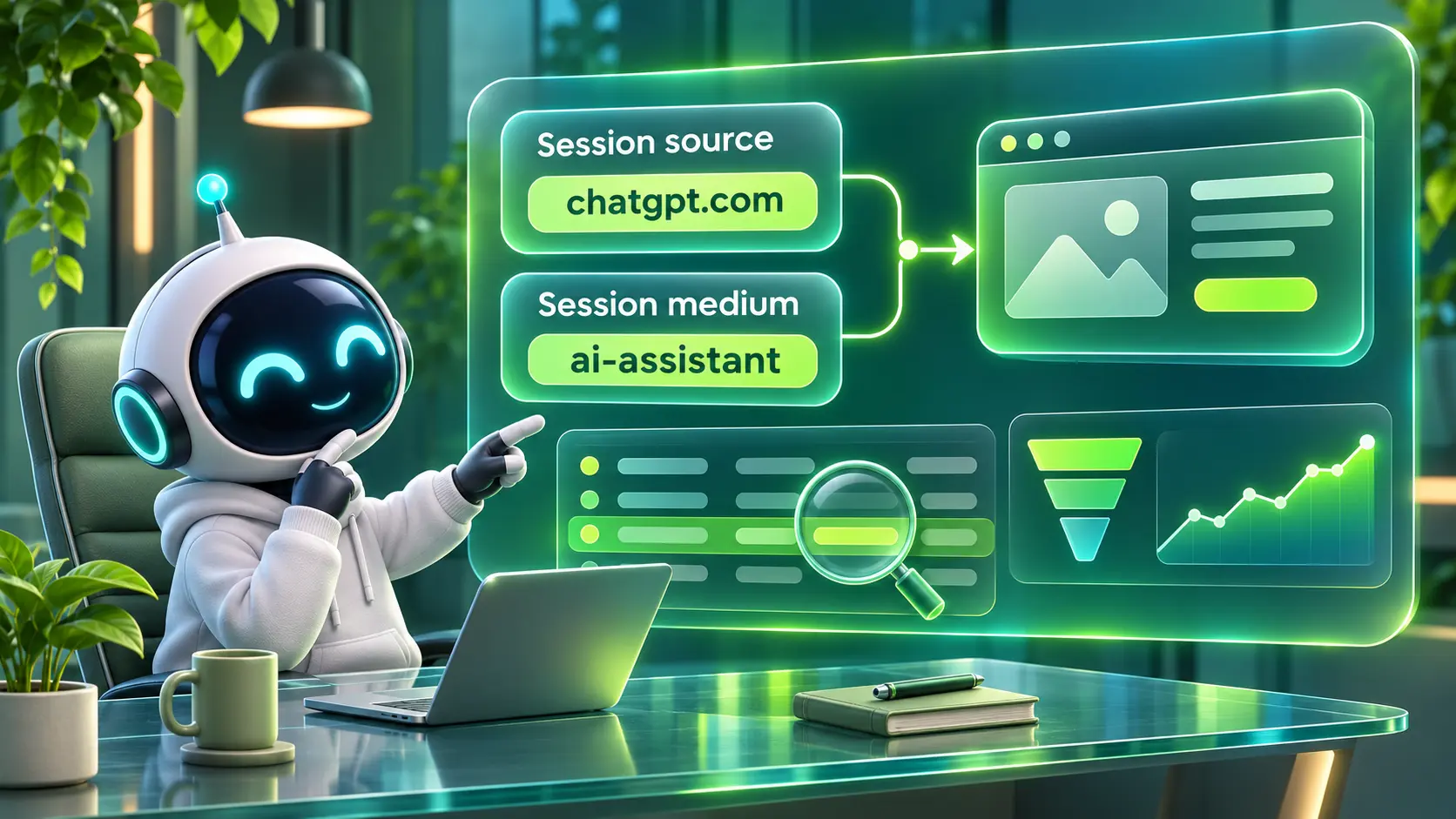
ChatGPT traffic can be identified through recorded source values and GA4’s AI Assistant classification. Start by looking for chatgpt.com, the main ChatGPT domain, and chat.openai.com, an older domain that may appear in historical data. You can also check for the campaign parameter utm_source=chatgpt.com when it is present in incoming URLs. However, the presence of an AI-related domain or tracking parameter should be checked against actual session data, especially when comparing different reporting periods.
UTM parameters can provide additional context about where website visits originate. For campaign links that your business controls, use consistent source, medium, and campaign values. Google’s guidance on UTM parameters explains how these tracking values are collected and used in acquisition reports.
For a closer analysis, open Explore in GA4 and create a Free form exploration. Add Session source, Session medium, and Session default channel group as dimensions. You can first filter for the AI Assistant channel to examine recognized AI traffic, then narrow the results to ChatGPT-related source values. Keep platform-specific filters separate when you want to compare ChatGPT with other AI assistants.
- Use Session source: Identify the platform credited with bringing a visitor to your website during a particular session.
- Review Session medium: Look for ai-assistant on recognized AI visits, while checking other medium values when investigating incomplete or older attribution data.
- Compare First user source: Understand where users were originally acquired, then use the New users metric to measure first-time visitors. Do not treat first-user source alone as proof of incremental customer acquisition.
Once you confirm the source patterns, you can turn that Exploration into a reusable report for ongoing tracking.
Understanding where visitors come from is only one part of marketing measurement. Businesses also need to examine what happens after the initial visit, including return sessions, other referrals, and later conversions. Our guide to tracking referrals and downstream traffic explains how these interactions fit into a broader attribution strategy.
Common AI Referrer Domains to Watch
ChatGPT is not the only AI interface that can send traffic, and users frequently move between tools. Tracking a small set of domains can help identify different AI traffic sources without excessive maintenance. Keep your list updated as tools evolve, referrers change, and GA4 introduces new classification rules.
The table below groups common AI traffic sources and shows how they may appear in GA4. Use these examples while validating your own data and building filters.
| Traffic Source | GA4 Source Or Channel Clue | What It Means |
|---|---|---|
| ChatGPT | chatgpt.com or historical chat.openai.com | Identifiable visits associated with ChatGPT, commonly classified under AI Assistant when recognized by GA4. |
| Other AI Assistants | Sources such as claude.ai, perplexity.ai, or gemini.google.com | Visits from other AI platforms. Classification depends on the recorded source and GA4 rules. |
| Google AI Overviews And AI Mode | Google Organic Search | These visits are included in organic search reporting and cannot reliably be isolated as AI visits through the standard GA4 channel label. |
| Unknown Or Missing Source | (direct) / (none) | Visits without a clear recorded acquisition source. They must not automatically be treated as AI traffic. |
Use these examples as starting points, not as proof of traffic origin. Check the source, medium, and channel shown in your own GA4 property before including a visit in an AI traffic report. Keep Google organic search visits separate from identifiable AI assistant traffic because the two categories measure different types of discovery.
How to Build A Clean AI Traffic Segment?
GA4’s existing AI Assistant channel provides a starting point for identifying recognized AI traffic, while an Exploration session segment allows more detailed comparisons. You can create one segment for all AI Assistant sessions and another for ChatGPT-specific visits. These segments help you compare engagement, landing pages, and key events without changing your property’s channel configuration.
- Open Explorations: In GA4, select Explore and create a Free form exploration.
- Create An AI Assistant Session Segment: Add a session segment with a condition that includes the AI Assistant value of Session default channel group.
- Create A ChatGPT-Specific Segment: Build a separate session segment using recorded ChatGPT-related Session source values, such as chatgpt.com and chat.openai.com.
- Review Source and Medium Together: Confirm which source and medium values appear in the results. Do not require referral as the medium for all AI traffic because recognized visits may use ai-assistant.
- Compare Landing Pages and Outcomes: Add landing-page dimensions, Sessions, Engaged sessions, Key events, and Session key event rate to compare performance.
- Validate Your Results: Check that the filters include the intended sources and do not capture unrelated traffic before saving the exploration.
After the segment is stable, save it and reuse it in additional explorations for conversion, retention, and content performance. Remember that these filters analyze recorded source information. They cannot reconstruct the original source of a visit when no usable attribution signal was collected.
How to Reduce Misattribution From Direct and Unassigned?
When GA4 records a visit as Direct, it means the session does not have a clearly identifiable traffic source. Some of these visits may have originated from AI assistants, but GA4 cannot confirm that relationship without additional evidence. Check whether tracking parameters are preserved through redirects, whether campaign links you control use consistent UTM values, and whether your website’s cross-domain measurement is configured correctly.
If your acquisition reports show unexpected changes in Direct, Referral, or AI Assistant traffic, a structured tracking review can help identify configuration problems. Our marketing attribution audit covers important checks involving UTM parameters, redirect chains, cross-domain tracking, conversion events, and reporting accuracy.
Review GA4’s unwanted-referral settings and confirm that legitimate traffic sources have not been added to the exclusion list. These settings are intended for sources that should not receive referral credit, such as certain payment or checkout-related domains, rather than ordinary third-party traffic. Also test redirects, cross-domain journeys, and event tracking. Fixing these issues can improve attribution accuracy, although visits without recorded source information may remain unidentified.
Before changing your referral configuration, review the official instructions for GA4’s unwanted-referral settings to understand which domains should be excluded and how those exclusions affect attribution.
How to Measure Engagement and Conversions From AI Visitors?
Identifying AI traffic is only the first step. The next goal is understanding whether those visits create meaningful business results. In GA4, compare Sessions, Engaged sessions, Engagement rate, Average engagement time per session, Key events, and Session key event rate. For lead-generation websites, focus on actions such as successful contact-form submissions, consultation bookings, and qualified inquiries. These measurements help determine whether visitors from AI assistants take valuable actions after arriving.
Also review the content path after landing. Some AI visitors may read a specific article and then continue to a pricing, contact, or documentation page. Use Path exploration to examine the pages and events that follow AI-driven entry points and identify where visitors continue or leave their journey.
- Engaged Sessions: Measure sessions that meet GA4’s engagement criteria, helping you compare visitor interaction across traffic sources.
- Key Events: Track meaningful actions such as newsletter signups, demo requests, downloads, or successful lead form submissions.
- Landing Page Performance: Identify which pages receive measurable AI assistant traffic, then review their engagement and conversion results. A recorded visit alone does not prove that the page was cited in an AI answer.
These checks help you decide whether to invest in content updates, internal linking, or conversion rate improvements for AI-heavy pages.
The same focus on meaningful business outcomes applies to traditional search traffic. Our guide to organic SEO for lead generation explains how to connect website visits with qualified inquiries, customer intent, and conversion performance. Comparing these outcomes across AI Assistant and Organic Search traffic can help businesses evaluate the value of each channel.
Reporting AI Traffic Without Breaking Your Channel Grouping
GA4 already includes an AI Assistant channel within its standard default channel grouping, so businesses do not need to create a new channel simply to identify recognized AI traffic. The default channel group itself cannot be edited. However, teams that need more detailed classifications can create a separate custom channel group or use Explorations to compare individual AI assistants. A custom report or dashboard can then display AI traffic alongside other marketing channels while preserving the standard reporting view.
Teams that need additional reporting categories can follow Google’s custom channel group instructions, including its example for measuring traffic from AI assistants.
If your organization needs formal governance around reporting, consider documenting your AI source definitions and filter rules. Clear measurement documentation prevents inconsistent reporting when team members change or when new AI referrers emerge.
How Imili Can Help You Track and Act on AI Referrals?
Accurate AI referral tracking depends on clean GA4 setup, event strategy, and reporting that your team can trust. Imili supports organizations with analytics implementation, GA4 audits, tagging strategy, and performance reporting so you can see where traffic truly comes from and which channels drive revenue. That foundation makes it much easier to separate AI referrals from noise and turn the insight into better content and better conversion paths.
If AI traffic is important to your growth plan, it is worth aligning analytics, SEO, and content strategy. A unified approach can improve your opportunities to earn citations in AI answers while guiding visitors toward high-intent actions on your website.
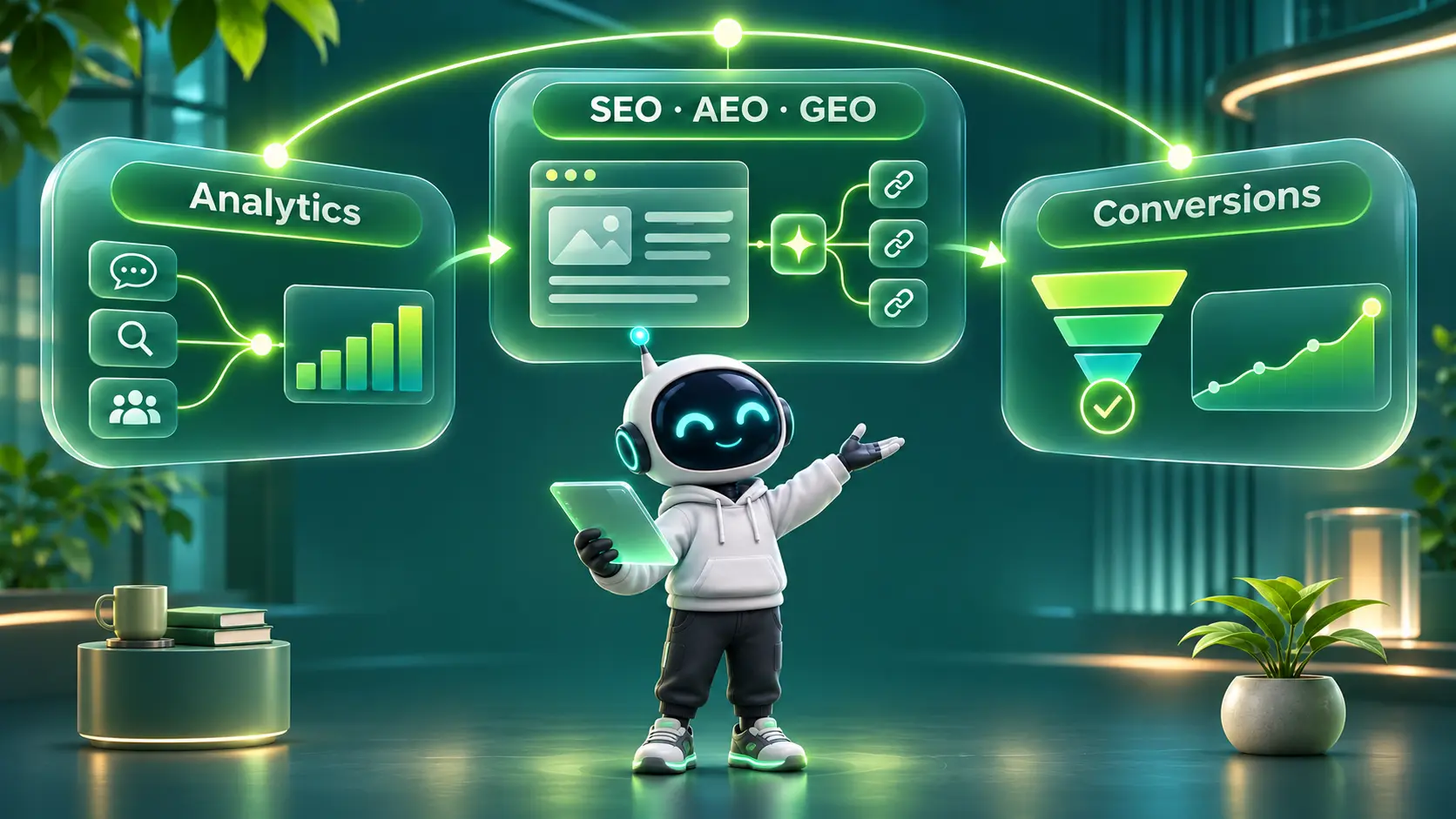
Measuring AI referrals also helps businesses decide where to improve their online visibility. However, attracting visitors from ChatGPT requires more than analytics alone. Our guide to SEO, AEO, and GEO strategies explains how traditional search optimization, answer-focused content, and generative AI visibility support different parts of digital discovery.
Conclusion
ChatGPT can send valuable visitors to your website, and GA4’s AI Assistant channel makes recognized traffic easier to measure. Start with the Traffic acquisition report, examine ChatGPT-related sources, and use Explorations when you need more detailed comparisons. Then review landing pages, engagement, and key events to understand the business value of those visits. Remember that some traffic may remain unattributed when its original source is not recorded.
When your tracking is clean, AI traffic becomes another measurable acquisition source you can improve. The goal is not just spotting the visits, but understanding which pages receive AI-driven clicks and which actions those visitors take next.
Frequently Asked Questions
Does ChatGPT Show Up As Referral Traffic in GA4?
Yes, ChatGPT can generate identifiable traffic in GA4. Since May 2026, GA4 has included an AI Assistant default channel for recognized AI referrals. ChatGPT visits may show a source such as chatgpt.com and a medium such as ai-assistant. Some visits may still appear under other categories when source information is missing or classification differs.
Why Do AI Clicks Sometimes Appear As Direct Traffic?
AI-related clicks can appear as Direct when the original traffic source is not passed to GA4 and no other usable campaign information is available. This may happen because of redirects, browser privacy settings, or transitions between apps. Reviewing landing-page patterns and tracking parameters can reveal possible attribution problems, but Direct traffic cannot be confidently assigned to ChatGPT without supporting evidence.
Should I Create A Separate Channel for AI Traffic in GA4?
Usually, you do not need to create a separate channel because GA4 already includes an AI Assistant category for recognized traffic. However, a custom channel group may be useful if your business wants to classify different AI platforms separately or apply its own reporting definitions. Session segments and Explorations are also useful for analyzing ChatGPT-specific traffic without changing standard reports.