

App Store Optimization (ASO) helps mobile apps become easier to discover and more appealing to potential users. However, optimizing an app for Apple’s App Store is not the same as optimizing it for Google Play. Both platforms have different metadata fields, listing requirements, creative placements, and experimentation tools.
Understanding Apple App Store vs Google Play ASO helps developers and marketers plan keywords more effectively, improve store listing conversion, manage ratings and reviews, and measure results across iOS and Android. This guide explains the important differences and shows how to build a practical optimization strategy for both platforms.
How Store Algorithms Differ?
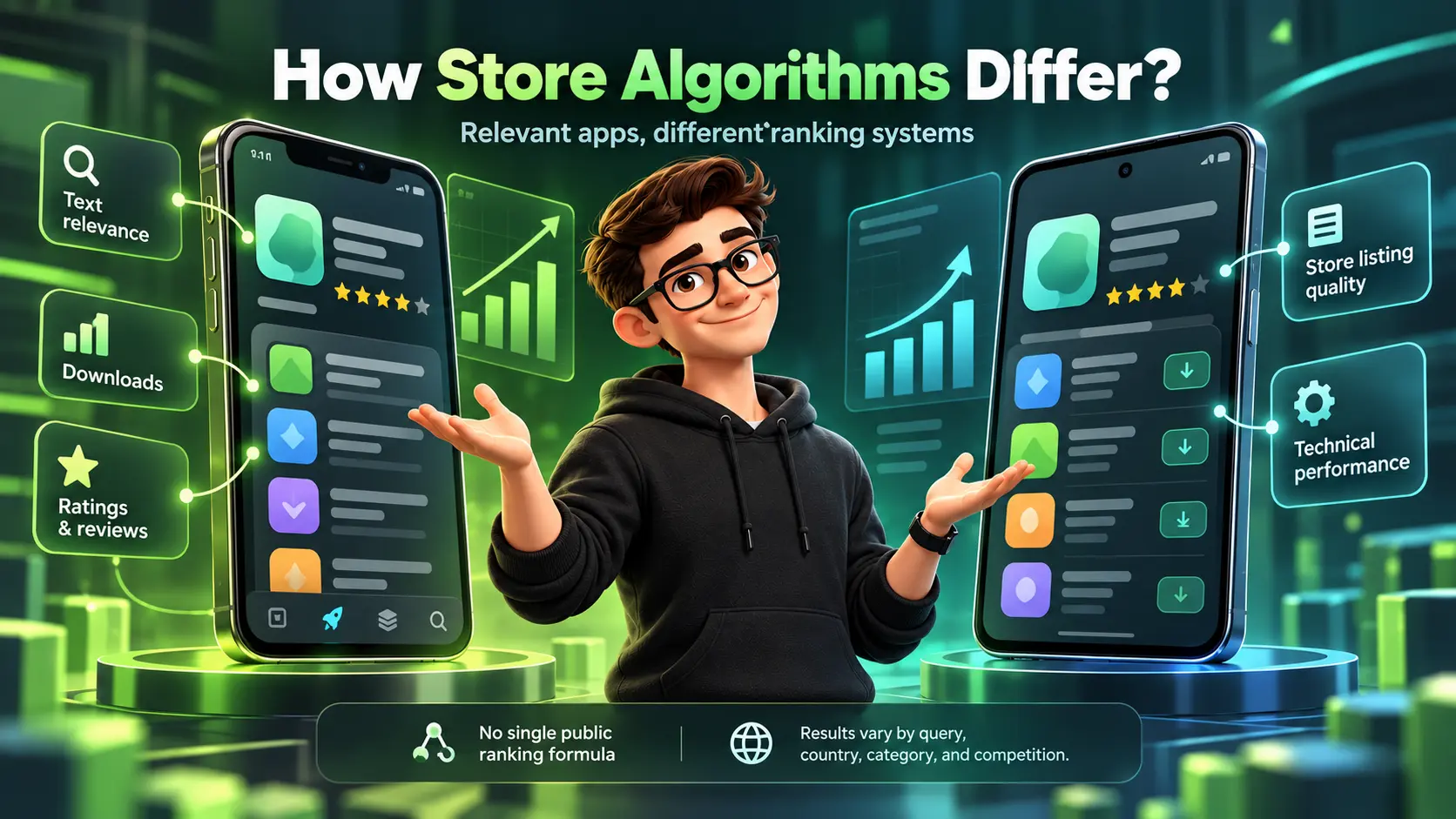
Apple App Store and Google Play both aim to surface relevant, useful apps, but their ranking systems are not identical. Apple publicly identifies factors such as text relevance, downloads, and ratings and reviews in App Store search. Google Play provides guidance on store listing quality and technical performance, including app stability metrics that can affect visibility.
These differences should not be reduced to a claim that one store always indexes faster or that one platform consistently gives more weight to a particular ranking factor. Neither company publishes a complete ranking formula, and actual results can vary by search query, country, app category, and competition.
For practical ASO, focus on accurate metadata, relevant keywords, useful creative assets, strong app performance, and measurable user outcomes. Apple’s official App Store search guidance is a helpful reference for understanding its documented discovery factors.
Metadata Fields That Actually Index
Indexing is the foundation of discovery because it determines which searches you can appear for. The main difference is that Apple provides a dedicated keyword field, while Google Play relies more on natural language within the listing.
Apple provides dedicated metadata fields, including an app name, subtitle, and keyword field. Its official guidance identifies these fields, along with relevant category information, as important elements for search discoverability. Google Play uses an app title, short description, and full description to communicate an app’s purpose and benefits. These fields should contain accurate, natural language rather than repeated keywords.
According to Apple’s App Store Connect documentation, the keyword field has a limit of 100 bytes. Google’s store listing guidelines emphasize clear descriptions, accurate functionality, and compliance with platform policies.
- Apple Keyword Field: A unique space to place prioritized terms without repeating what is already in the title or subtitle.
- Google Play Long Description: A broader area where relevance can be reinforced through clear, user-focused language.
- Localization Coverage: Adapt store listing copy, keywords, screenshots, and product messaging to the language and expectations of each target market. Evaluate localization results by country rather than assuming the same improvement across all regions.
Apple App Store vs Google Play Metadata Limits
The two stores have different metadata requirements, so a single text template should not be reused without checking each platform’s limits.
| Metadata Field | Apple App Store | Google Play |
|---|---|---|
| App Name or Title | Up to 30 characters | Up to 30 characters |
| Subtitle | Up to 30 characters | No equivalent subtitle field |
| Keyword Field | Up to 100 bytes | No dedicated keyword field |
| Short Description | No equivalent field; subtitle serves a different role | Up to 80 characters |
| Full Description | Up to 4,000 characters | Up to 4,000 characters |
| Primary Keyword Planning | App name, subtitle, keywords, and relevant categories | Clear app title and descriptive listing copy |
| Main Content Priority | Accurate, distinctive metadata within available fields | Relevant, readable copy that explains functionality |
These limits are important during optimization because exceeding them can prevent content from being accepted. Teams should also verify localization requirements, supported fields, and current platform policies before publishing updates.
Once metadata is mapped correctly, you can align it to what each store is capable of indexing and ranking.
Keyword Strategy and Search Intent On iOS Vs Android
Apple keyword work is more constrained because you operate within strict character limits across a few fields. That pushes teams toward sharper prioritization, tight synonym coverage, and careful avoidance of duplication.
Google Play keyword work is more editorial because relevance is strengthened by readable text that supports user intent. It is still risky to overuse terms, since keyword stuffing can hurt conversion and may trigger policy or quality issues.
- Search Intent Mapping: Build a shared list of relevant search queries, then adapt keyword placement to the available fields on each platform. Prioritize terms that accurately describe the app’s functionality and match user needs.
- Long-Tail Keyword Coverage: On Apple, use available metadata space carefully and avoid unnecessary repetition. On Google Play, write helpful descriptions that naturally explain features and use cases without keyword stuffing.
- Keyword Refresh Cadence: Review search performance after meaningful listing or product changes. Apple metadata updates may depend on the field and app-version workflow, while Google Play listing changes have their own publishing and review requirements. Check both platforms before scheduling updates.
After you define store-specific keyword priorities, conversion optimization becomes the next major differentiator.
Although website SEO and app store optimization use different ranking systems, both benefit from understanding search intent and aligning content with what users need. For a broader perspective on research and content planning, explore ImiliCorp’s SEO keyword research and content strategies.
Creatives and Conversion Rate Optimization Differences
Both app stores provide performance data that helps teams evaluate listing effectiveness, but visibility, conversion, and post-install engagement should be measured separately. Because creative formats and user touchpoints differ across platforms, teams should adapt screenshots, videos, and promotional assets to each store’s requirements.
Apple and Google Play both use visual assets to communicate an app’s value, but their presentation formats and placement rules can differ. On Apple’s App Store, screenshots and app previews help users evaluate the app before downloading. Google Play also supports screenshots and preview videos, with feature graphics used in supported promotional placements. Creative teams should check each store’s current asset specifications and preview how visuals appear across relevant devices and markets.
- Screenshot Messaging: Use concise, benefit-focused captions that remain readable on different screen sizes. Test screenshot messaging separately for iOS and Android to identify which presentation communicates the app’s value most effectively.
- Video Placement: The way trailers are surfaced differs, so you should validate whether video improves conversion in each store rather than assuming it will.
- Device Diversity: Android has wider screen-size variation, so creatives must be tested for legibility across more form factors.
Creative decisions should be tied to experiments, because store behavior changes by category, region, and device mix.
Ratings, Reviews & Reputation Signals
Ratings and reviews influence conversion and long-term visibility in both ecosystems. The operational differences are in how you manage prompts, handle replies, and route users to the right feedback flow.
Apple supports standardized in-app rating and review requests, and developers should display these prompts at appropriate moments without interrupting important actions. Apple also limits how frequently the system can show review requests. Google Play provides tools for monitoring and responding to user feedback. On both platforms, teams should prioritize genuine reviews, investigate recurring complaints, and resolve product issues rather than trying to manipulate ratings. Apple’s ratings and reviews guidance explains responsible prompting and response practices.
- Prompt Timing: Trigger prompts after a successful action, not at first open, to protect rating quality.
- Reply Discipline: Respond to critical reviews with clear resolutions, then ship fixes quickly and reference them in release notes.
- Quality Monitoring: Track rating trends by version so you can isolate regressions tied to specific releases.
With reputation under control, the next lever is how each store treats acquisition and engagement signals.
Ranking Signals and Store Performance Data

App store visibility depends on more than keyword placement. Apple identifies metadata relevance, downloads, and customer ratings and reviews among its App Store search factors. Google Play also considers app quality, with documented technical metrics that can affect how prominently an app appears.
Technical performance deserves particular attention on Android. Google’s Android vitals documentation explains how problems such as user-perceived crashes and Application Not Responding (ANR) events can affect an app’s visibility. iOS teams should monitor crashes and user experience as well, even though the ranking effects of individual performance metrics are not fully disclosed.
Conversion rate, downloads, review trends, engagement, and retention are useful ASO performance indicators. However, teams should not assume that improving any single metric automatically produces a ranking increase. Treat store visibility, listing conversion, and post-install quality as connected but separately measurable outcomes.
Apple App Store vs Google Play: Ranking and Performance Comparison
| ASO Area | Apple App Store | Google Play |
|---|---|---|
| Search Relevance | App name, subtitle, keyword field, and relevant categories help establish search relevance | Accurate listing text and relevant app information help communicate functionality |
| User Feedback | Ratings and reviews are documented search factors | Ratings and reviews support user trust and app quality assessment |
| Technical Quality | Monitor crashes, reliability, and app experience | Android vitals includes documented quality metrics that can affect visibility |
| Conversion Performance | Measure product page views and downloads | Measure store listing visitors and acquisitions |
| Creative Optimization | Use eligible product page testing tools | Use eligible store listing experiments |
| Performance Evaluation | Analyze results by relevant market and acquisition source | Analyze results by market, listing, and available acquisition segments |
Compare the two platforms using consistent business goals, while respecting differences in metric definitions and reporting tools.
App store performance should also connect to broader business reporting. Teams can compare acquisition sources, user engagement, and post-install conversion to understand whether optimization is attracting valuable users. For a wider measurement framework, explore ImiliCorp’s marketing analytics services.
Release Management and Experimentation Workflows
ASO performance should be reviewed continuously because user preferences, search competition, app features, and store requirements change over time. Instead of making frequent changes without evidence, teams should establish a baseline, develop an optimization hypothesis, and evaluate whether each change improves a relevant metric.
Apple provides Product Page Optimization for testing eligible product page assets, including screenshots, app previews, and icons. Google Play offers store listing experiments for evaluating supported graphics and text variants. Both platforms provide experimentation capabilities, but eligibility, supported elements, traffic allocation, review requirements, and reporting differ.
A successful workflow should also distinguish listing updates from app releases. Not every visual or text change requires the same publishing process, and some changes need platform review before becoming available to users. Plan experiments around these requirements so new releases do not unintentionally interfere with active tests.
- Set A Baseline: Lock the current listing metrics for impressions, conversion rate, and keyword positions before making changes.
- Prioritize Impact: Focus first on title-level fields, first screenshots, and short description style elements that affect click-to-install most.
- Test One Variable: Change a single major element per iteration so you can attribute outcomes cleanly.
- Validate By Segment: Review performance by country, device type, and acquisition channel because store behavior varies across cohorts.
- Document Learnings: Maintain a simple log of what changed and what moved so future releases do not repeat failed variants.
A steady cadence turns ASO into an operating system rather than a periodic redesign.
Common Mistakes When Porting ASO Between Stores

A frequent failure is copying the same text, keywords, and creatives across iOS and Android with only cosmetic edits. That usually wastes indexing potential on iOS and weakens readability on Android.
Another common mistake is assuming that the same creative approach works equally well across devices, countries, and app categories. Rather than relying on stereotypes about iOS or Android users, teams should analyze the audiences they actually serve. Test the clarity of screenshots, the relevance of feature messaging, and how well creative assets communicate the app’s benefits in each target market.
- Duplicate Keyword Usage: Repeating the same term across Apple fields can reduce coverage without increasing relevance.
- Overwritten Brand Positioning: Stuffing terms into titles can harm brand recall and lower tap-through rates.
- One-Size Creatives: Using a single screenshot set without adapting to each store layout can reduce message clarity.
- Ignoring Local Nuance: Direct translation without cultural adaptation can weaken both conversion and ratings.
Fixing these basics usually unlocks quick gains before you move into deeper keyword and creative testing.
How to Operationalize Apple App Store Vs Google Play ASO?
The most efficient approach is a shared strategy with two tailored execution tracks. You keep one core value proposition and product narrative, then express it differently based on each store’s indexing and creative realities.
Managing ASO across iOS and Android requires coordinated keyword research, creative planning, localization, performance monitoring, and regular experimentation. Teams should establish clear responsibilities and review results separately for each store before deciding on the next optimization cycle.
Businesses seeking broader digital growth support can explore ImiliCorp’s digital marketing services to understand how search visibility, content strategy, analytics, and app marketing fit into a connected acquisition approach.
Conclusion
Apple App Store vs Google Play ASO requires one shared growth strategy with platform-specific execution. Apple uses dedicated keyword metadata and has its own product page requirements, while Google Play provides different listing fields and experimentation options. Both stores reward careful attention to relevance, user experience, and the quality of information presented to potential users.
For sustainable results, focus on relevant keywords, accurate metadata, clear screenshots, genuine user feedback, technical stability, and controlled experiments. Measure each platform independently before combining results into an overall mobile growth strategy. The goal is not simply more impressions or downloads, but attracting relevant users who continue to find value in the app.
Frequently Asked Questions
Do I Need Different Keyword Sets for Apple App Store Vs Google Play ASO?
Yes, because Apple relies more on structured fields and a dedicated keyword field, while Google Play reads more listing text for relevance. You can start from a shared master list, then map terms differently based on each store’s indexing behavior and character limits.
Should I Use the Same Screenshots on iOS and Android?
You can reuse the same core creative concept across iOS and Android, but screenshots should be adapted to each store’s specifications, device formats, and audience requirements. Review text readability, visual order, localization, and the clarity of each benefit. Where possible, use platform-native experiments to determine which creative versions perform better.
How often Should I Update My App Store and Play Store Listings?
There is no universal update schedule that works for every app. Review listing performance regularly, then prioritize changes when data indicates an opportunity or when new product features require updated messaging. Consider store review requirements, the available testing tools, and how much traffic is needed to evaluate results. Avoid making several major changes simultaneously if doing so would make performance difficult to interpret.