

Negative keywords are the fastest way to cut waste in Google Ads because they block searches that do not match your intent. Instead of paying for clicks that will never convert, you filter them out before your ad is even eligible to show. The result is cleaner traffic, stronger conversion rates, and more control over what your budget buys.
What Negative Keywords Are?
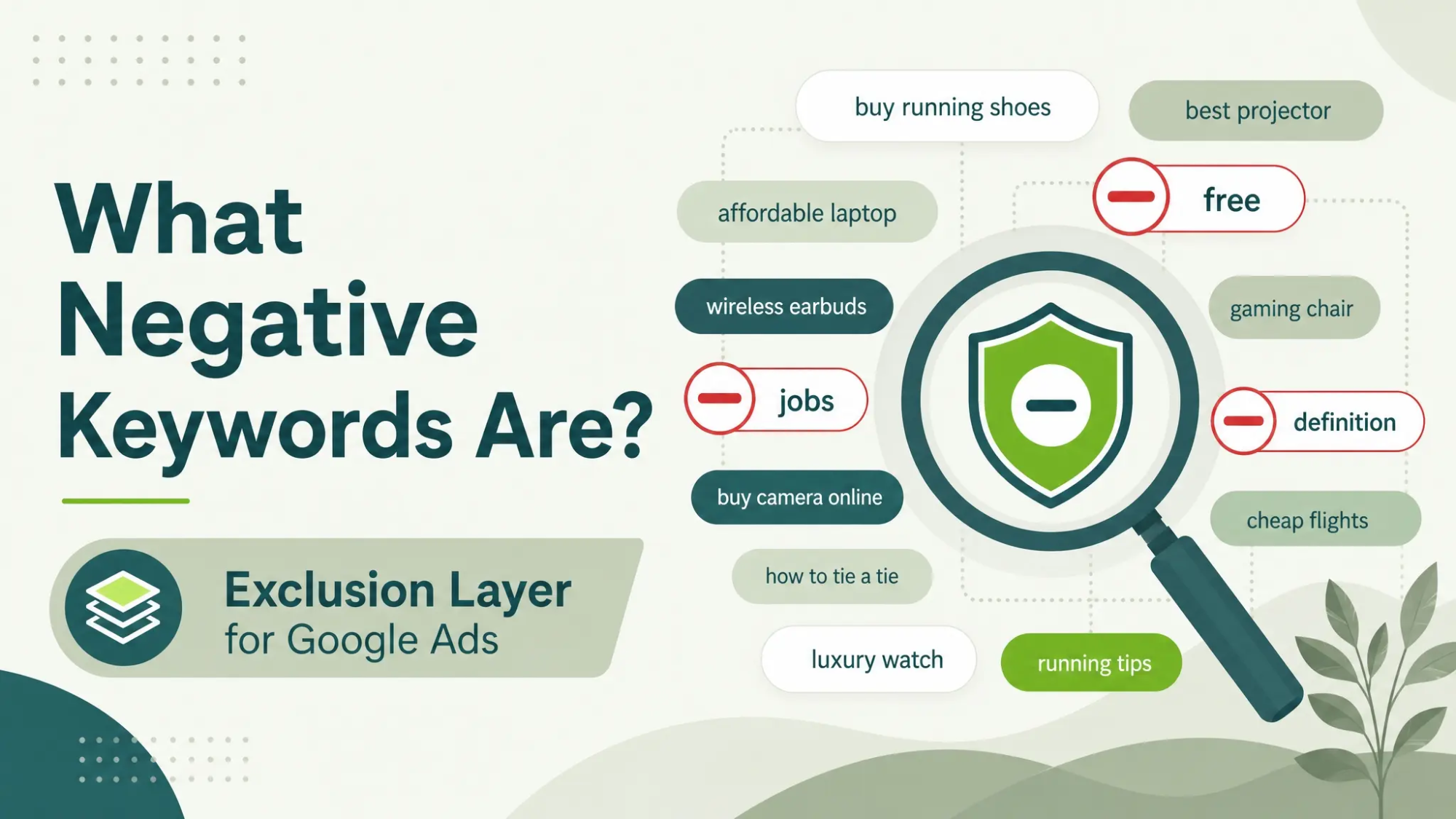
Negative keywords are terms you add to prevent your ads from showing on searches containing those words or phrases. They work as an exclusion layer on top of your targeting, helping you avoid irrelevant or low intent queries. This is especially important when broad match or close variants pull your ads into searches you did not plan to cover.
They do not reduce the number of people searching, they reduce the number of mismatched auctions you enter. That single shift improves efficiency across impressions, clicks, and cost per conversion. It also makes performance reporting easier because the remaining search terms align better with your offer.
Why Negative Keywords Protect Budget And Performance?
Wasted spend often comes from traffic that is curious, researching, or looking for something you do not sell. Negative keywords reduce that leakage by narrowing eligibility to searches that can realistically lead to a sale or lead. Over time, this lowers cost per acquisition because you stop paying for dead end intent.
Cleaner traffic also helps your engagement signals. When users who do not want your offer stop clicking, click through rate and conversion rate typically rise. That can support better ad relevance and a healthier account structure.
How Negative Keywords Work In Google Ads?
Negative keywords can be applied at the account, campaign, or ad group level. Broader exclusions belong at higher levels, while product specific exclusions belong closer to the ad group. The goal is to block only what you are sure you do not want, without accidentally cutting valuable searches.
Google Ads uses negative match types to decide which searches to block. Choosing the right match type is the difference between precise filtering and over blocking. Keep your exclusions conservative when you are still learning what converts.
Negative Match Types You Can Use
Negative match types control how closely a search must match your negative keyword to be blocked. Understanding these rules keeps you from removing profitable traffic by mistake. Use the simplest option that reliably removes the waste you see.
- Negative Broad: Blocks searches that include all your negative terms in any order, with some flexibility.
- Negative Phrase: Blocks searches that contain your negative phrase in the same order.
- Negative Exact: Blocks searches that match your negative keyword with the same meaning and intent in a very tight way.
Once match types are clear, you can build an exclusion system that scales without breaking performance.
Where To Add Negative Keywords?
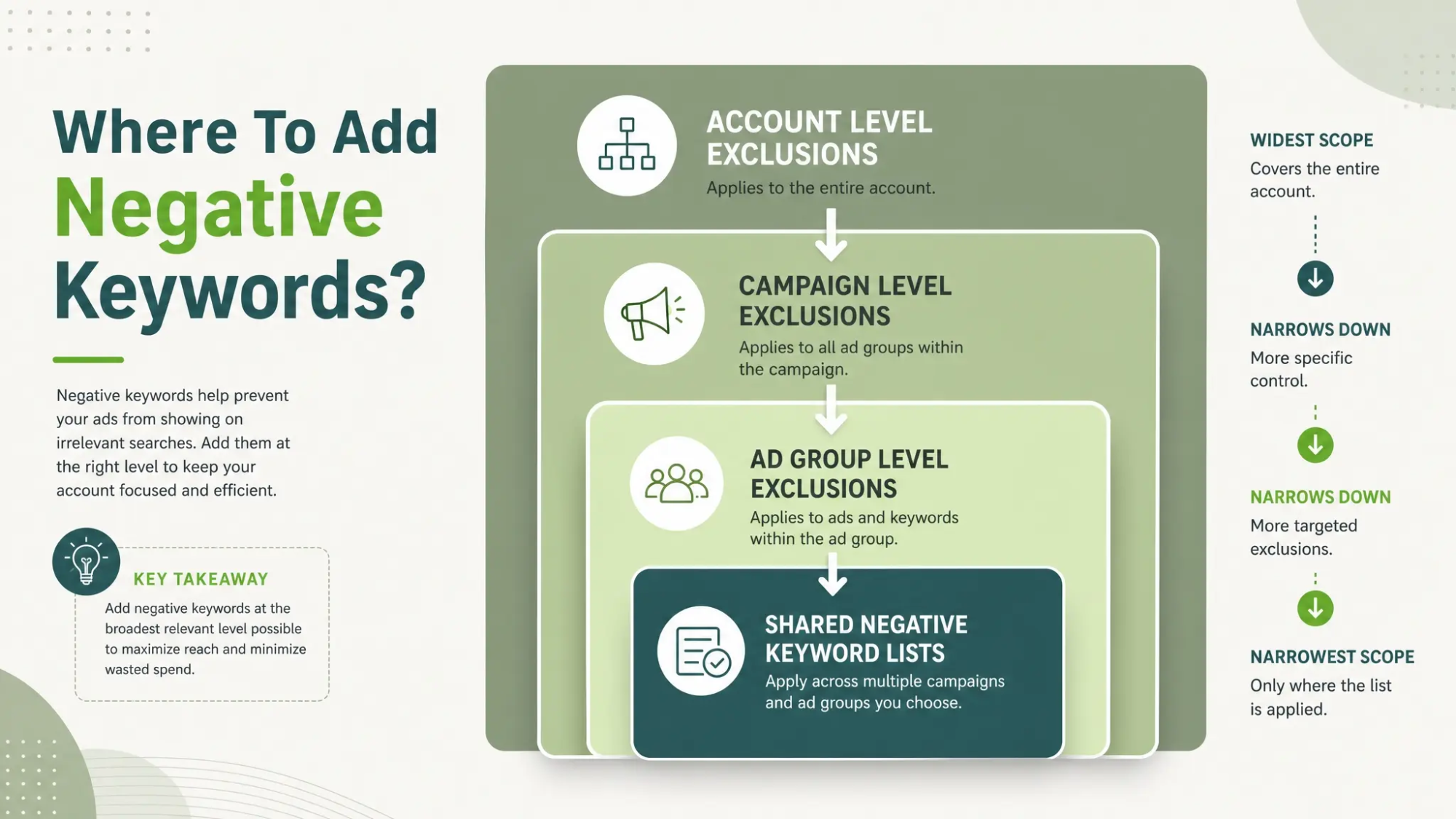
Placement matters because it controls scope. If you add a negative keyword at the campaign level, it blocks that term for every ad group inside the campaign. If you add it at the ad group level, it only affects that ad group.
Most accounts benefit from a layered approach. Use an account or shared list for universal exclusions, then tune at the campaign and ad group level for relevance.
- Account Level Exclusions: Great for terms that never apply to your business, such as free, jobs, or definition queries when you only want buyers.
- Campaign Level Exclusions: Useful when a campaign targets a theme and you want to block adjacent intents across all ad groups.
- Ad Group Level Exclusions: Best for preventing overlap and keeping tightly themed ad groups from stealing each other’s searches.
- Shared Negative Keyword Lists: Ideal for managing consistent exclusions across multiple campaigns with one update.
After you choose the scope, you need a repeatable process for discovering which searches should be blocked.
How To Find Negative Keywords?
The most reliable source is your Search Terms report because it shows what triggered your ads. Review it regularly, especially after changes to match types, bidding strategy, or keyword expansion. Look for terms that consistently spend without producing conversions or that represent the wrong product, audience, or stage of intent.
You can also mine negatives from internal language. Sales calls, support tickets, and on site search data often reveal mismatched expectations that show up in paid search. Keeping a shared record of these terms helps your PPC and marketing teams stay aligned.
- Search Terms Report Reviews: Identify irrelevant queries, competitor lookups you do not want, and research intent that never converts.
- Landing Page Behavior Signals: High bounce rate and short time on page can point to intent mismatch tied to specific search terms.
- CRM And Lead Quality Feedback: Mark patterns in low quality leads and map them back to the queries that generated them.
- Product And Service Boundaries: Exclude features, industries, or locations you do not support to prevent wasted clicks.
With a steady discovery loop, the next step is to implement negatives safely so you do not cut off good demand.
How To Build A Negative Keyword Strategy?
A strong strategy uses categories, not random single terms. Categories make it easier to maintain and share across campaigns. They also reduce the chance of blocking the wrong intent because you can review exclusions as a group.
Start with common waste buckets, then tailor them to your business rules. If you work with an agency or partner, document these rules so changes stay consistent over time.
- Define Non Negotiables: List what you never want, such as free, tutorial, used, repair, or jobs depending on your offer.
- Separate Research From Buying: Decide which informational terms you will exclude and which you will keep for upper funnel campaigns.
- Protect Brand And Product Lines: Prevent cross traffic by excluding other product names inside tightly focused campaigns.
- Set Review Cadence: Establish a routine for adding, removing, and validating negatives based on performance.
That structure becomes even more valuable when you scale spend or add new campaigns, because the same guardrails keep protecting results.
Common Negative Keyword Mistakes To Avoid
Most negative keyword problems come from being too aggressive too early. Blocking broad terms without checking intent patterns can remove profitable searches. Another common issue is applying exclusions at the wrong level and accidentally suppressing an entire campaign.
It is also easy to ignore match type nuance. A negative phrase can be safer than a negative broad when you want precision. Keep a change log so you can reverse exclusions that hurt performance.
- Over Blocking High Intent Queries: Removing terms that look irrelevant but actually map to buyers in your niche.
- Using Campaign Level Negatives Too Soon: Blocking across all ad groups before confirming the pattern is universal.
- Ignoring Close Variants In Meaning: Assuming a term always signals low intent when context changes it.
- Not Auditing Shared Lists: Letting old exclusions remain after offers, markets, or targeting changes.
Fixing these issues usually requires better documentation and a simple testing discipline.
Negative Keywords Checklist You Can Reuse
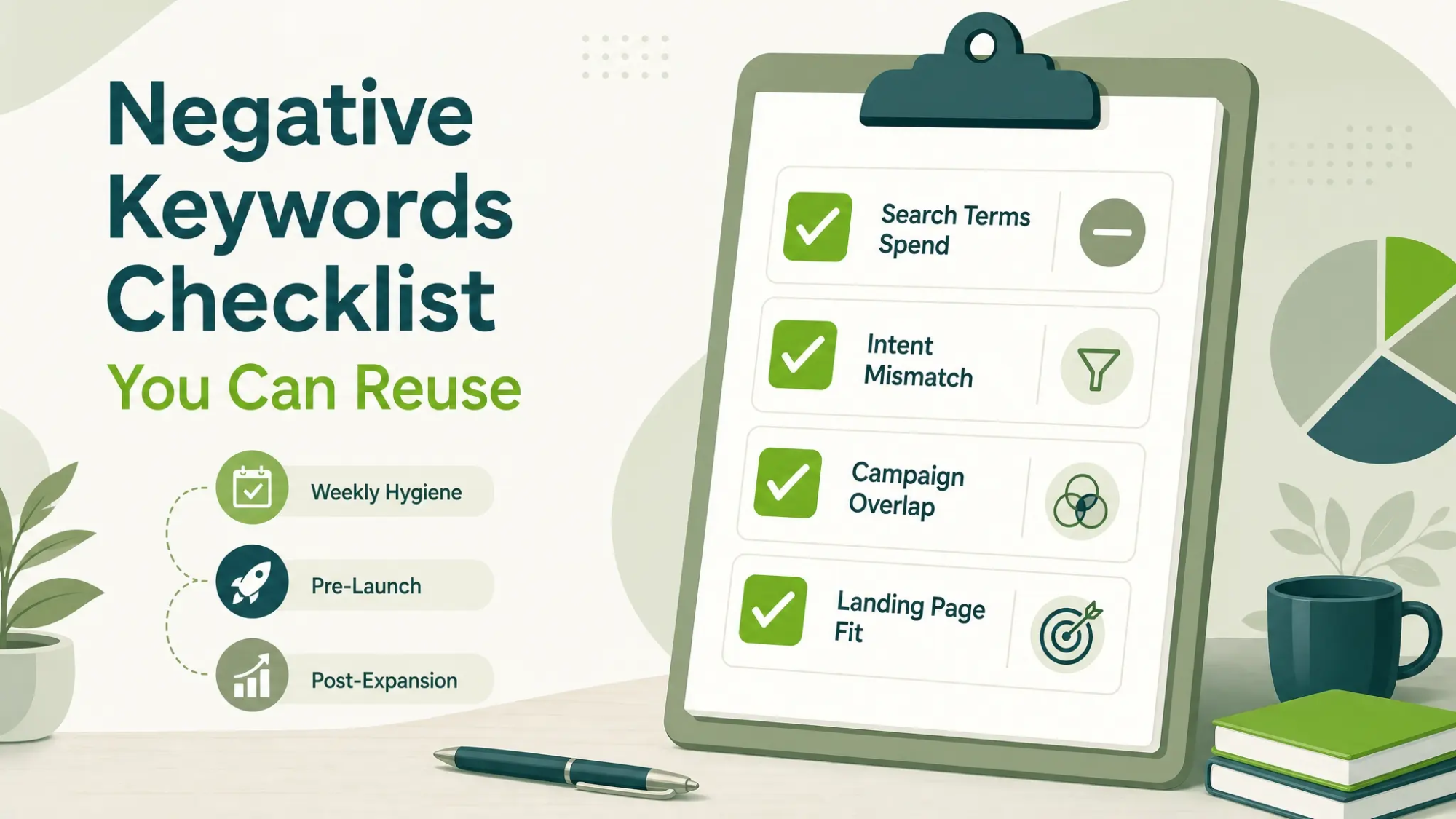
A checklist helps you stay consistent and reduces rushed decisions. Use it during weekly account hygiene, before launching new campaigns, and after any major keyword expansion. It also helps teams collaborate without stepping on each other’s work.
| Review Area | What To Look For | Action To Take |
|---|---|---|
| Search Terms Spend | Terms with spend and no conversions over a meaningful sample | Add negatives at the lowest level that solves the issue |
| Intent Mismatch | Queries tied to jobs, free, definitions, or unrelated services | Create a shared list of universal exclusions |
| Campaign Overlap | Two campaigns competing for the same queries | Use ad group negatives to keep themes clean |
| Landing Page Fit | High bounce rate aligned with specific queries | Exclude the query or align ad and landing content |
Once the checklist is in place, you can move from reactive exclusions to ongoing optimization.
How IMILI Corp Helps Reduce Google Ads Waste?
Negative keywords work best when they are part of a full PPC system that includes clean account structure, conversion tracking, and landing page alignment. IMILI Corp supports businesses that want measurable efficiency improvements, not just more traffic. Their Google Ads management approach focuses on tightening relevance, filtering waste, and building repeatable processes that scale.
If your account has grown over time, an audit can quickly surface where irrelevant search terms are draining spend and where shared lists are missing. A structured negative keyword framework also supports broader goals like improving lead quality, lowering cost per lead, and maintaining stable performance during budget increases.
Conclusion
Negative keywords are a practical lever that reduces wasted spend without needing new creatives or bigger budgets. When you review search terms regularly, apply the right match type, and manage exclusions at the right level, your campaigns become tighter and more predictable. Keep your lists organized, document changes, and treat negatives as ongoing account hygiene rather than a one time task.
Frequently Asked Questions
How Often Should Negative Keywords Be Updated?
Review search terms weekly for high spend accounts and at least twice a month for smaller budgets. Update negatives whenever you launch new ad groups, expand match types, or change targeting. Consistency matters more than volume.
Can Negative Keywords Hurt Performance?
Yes, if they are too broad or applied at the wrong level, they can block profitable searches. Use tighter match types when you are unsure and validate changes against conversion data. Keep a log so you can roll back quickly.
Should I Use A Shared Negative Keyword List?
Shared lists are helpful for universal exclusions that apply across many campaigns. They simplify maintenance and reduce the risk of inconsistent settings. Keep shared lists lean and review them when your products or markets change.