
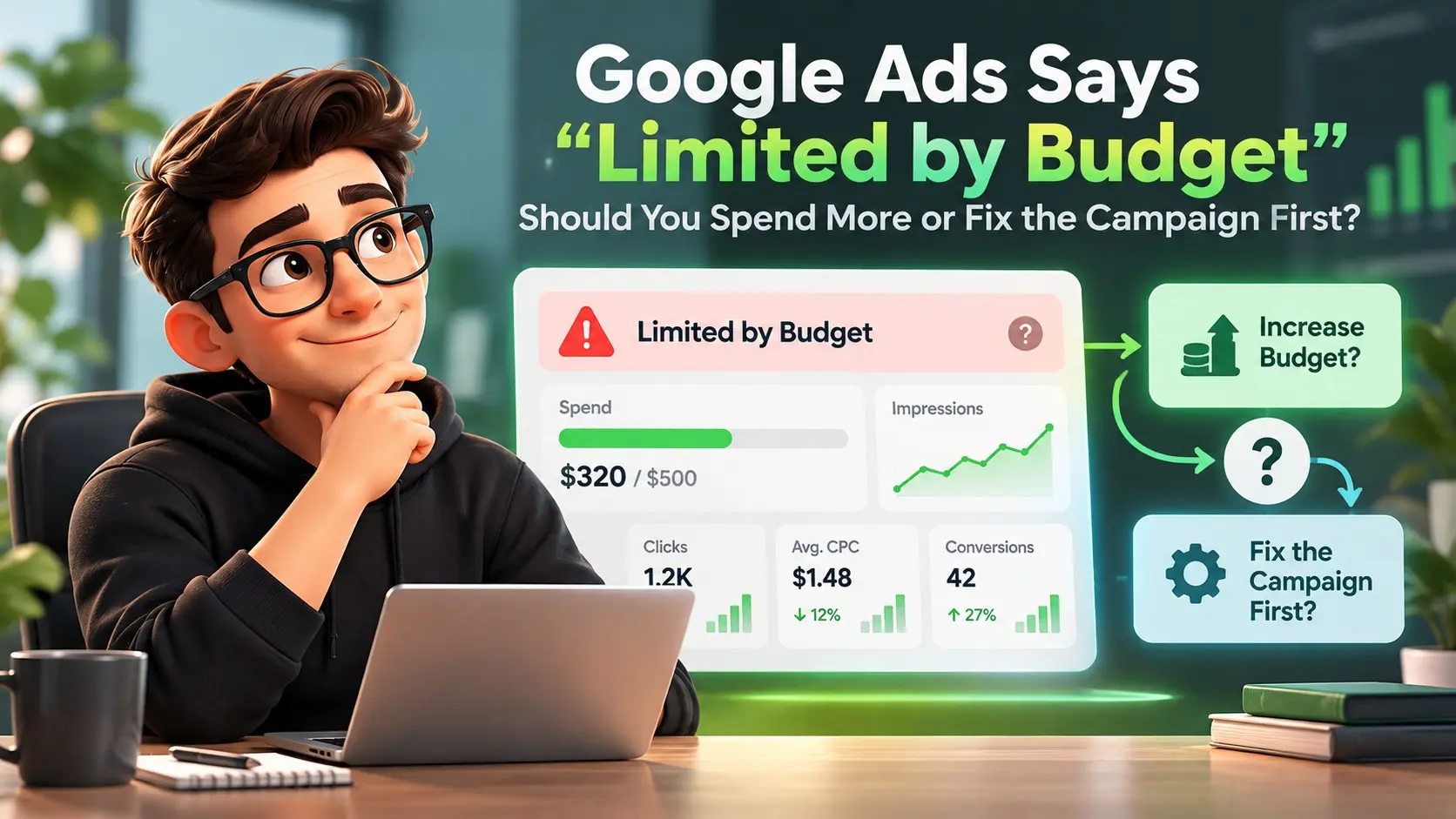
Seeing the “Limited by budget” status in Google Ads can feel like a simple instruction to spend more. In reality, it is a signal that your daily budget is restricting how often you can enter auctions, but it does not confirm your campaign is ready for additional spend.
The fastest path to better results is deciding whether you have a budget cap problem, a performance problem, or both. The goal is to scale only when the campaign’s structure, tracking, and unit economics can support it.
What ‘Limited by Budget’ Actually Means
The ‘Limited by budget’ status indicates that the campaign’s average daily budget is restricting delivery and that additional budget may allow the campaign to receive more clicks or impressions. Google’s budget recommendations consider factors such as recent performance, the current budget, keywords, and targeting settings.
Google’s Limited by budget guidance explains how the status is identified and how recommended average daily budgets are calculated.
The status identifies budget as one constraint, but Ad Rank can still limit visibility at the same time. Compare Search lost IS (budget) with Search lost IS (rank) to understand whether budget, auction competitiveness, or both are restricting impressions. A higher budget also does not guarantee that additional traffic will meet your CPA or ROAS targets.
When Spending More Makes Sense
Increasing budget is reasonable when the campaign is already meeting your targets and you are intentionally holding it back. Before increasing spend, decide how much additional CPA or ROAS variation you can accept and monitor how the incremental spend actually performs.
Budget increases tend to work best when conversion volume is steady, tracking is reliable, and there is room to expand without changing the bidding strategy too aggressively.
- Your CPA or ROAS is stable: Performance has remained within your thresholds for at least a full conversion cycle.
- Impression share lost to budget is high: You are missing a meaningful portion of auctions specifically due to budget.
- Search terms quality is strong: Queries show clear intent and align with your offering and landing page.
- Lead or sale quality is consistent: Downstream signals such as qualified leads, revenue, or repeat purchases look healthy.
Once these conditions are true, raising the budget can be a controlled scaling move rather than a guess.
When You Should Fix the Campaign Firs

If performance is volatile, conversion tracking is incomplete, or lead quality is weak, more budget can magnify waste. In those cases, the status is a warning that you will spend more without improving outcomes.
It is also common to see “Limited by budget” on campaigns that are structurally inefficient, such as those with overly broad targeting, mismatched ad groups, or landing pages that do not match intent.
- CPA is rising or ROAS is falling: Extra spend is likely to come from lower intent traffic.
- Conversions are undercounted or inconsistent: You cannot optimize what you cannot measure accurately.
- Search terms are too broad: The campaign is buying irrelevant traffic that looks like “volume.”
- Landing page engagement is poor: High bounce rate, low time on page, or low form completion signals a mismatch.
Fixing fundamentals first often unlocks more profitable volume, even at the same budget.
Key Diagnostics To Run Before You Change Budget
Before adjusting spend, confirm what is actually limiting growth. You want to separate budget constraint from bid strategy behavior, targeting choices, and creative relevance.
These checks keep your decision grounded in data rather than status labels.
Check Impression Share Lost To Budget
Add the Search lost IS (budget) and Search lost IS (rank) columns at the campaign level to see whether missed impressions are primarily associated with insufficient budget or Ad Rank. Auction Insights is useful for comparing your visibility with other advertisers, but Search lost IS (budget) is the direct metric for measuring impression share lost because of budget.
Google’s impression share documentation explains how Search impression share, Search lost IS (budget), and Search lost IS (rank) are calculated and where those metrics are available.
If Search lost IS (budget) is low, budget may not be the main constraint, so review rank, targeting, bids, and available demand before assuming a larger budget will materially increase volume.
Review Bid Strategy And Learning State
Smart Bidding can spend quickly when it believes conversions are available, which can trigger budget limitation. If the strategy is in learning or frequently reset by changes, the system may not be stable enough for scaling decisions.
Google also changed the behavior of limited-by-budget campaigns using certain target-based bidding strategies in August 2026. The rollout applies to Target CPA, Target ROAS, and Target CPC for Demand Gen, so advertisers using these strategies should review current targets and budget settings before relying on older assumptions about budget-constrained bidding.
Focus on minimizing disruptive edits and keeping conversion actions consistent so the algorithm has reliable feedback.
Audit Conversion Tracking And Attribution
Review which conversion actions are set as Primary and which are Secondary. Primary actions can be used for bidding when the campaign optimizes toward the associated goal, while Secondary actions are generally observation-only. Make sure the actions used for bidding represent outcomes that are genuinely valuable to the business.
For a broader measurement review, use our marketing attribution audit to check whether the conversion and revenue data behind your ROAS is trustworthy.
If measurement gaps are caused by the tracking setup itself, our server-side vs. browser tracking guide explains the differences, trade-offs, and practical use cases.
For lead-based businesses, importing qualified-lead or sales outcomes from the CRM can give Google Ads more meaningful conversion information than relying only on initial form submissions.
Inspect Search Terms And Negative Keywords
Search terms reveal whether your budget is being consumed by low intent queries. Tighten match types where needed and build a negative keyword strategy that reflects real exclusions, not one-off cleanup.
If query quality is the main problem, our broad match vs. phrase match guide explains how each match type changes search coverage and why conversion quality still needs to be monitored.
Clear intent alignment usually increases conversion rate, which can allow budget increases without sacrificing efficiency.
Optimize The Campaign To Earn The Right To Scale

Optimization should focus on improving the connection between keywords, ads, landing pages, and the user’s intent. Better ad relevance and landing-page experience can improve auction-time ad quality and overall performance. Quality Score can help diagnose weaknesses, but the reported 1–10 Quality Score itself is not an input in the ad auction.
Google describes Quality Score as a diagnostic tool rather than an auction input or KPI.”
Higher efficiency often clears budget limitations naturally because each dollar produces more value.
- Restructure ad groups around intent: Group keywords tightly so ads and landing pages match the same user goal.
- Refresh ad copy with stronger relevance: Align headlines with top queries and reflect the true differentiator of your offer.
- Use relevant ad assets: Sitelinks, callouts, structured snippets, and call assets can provide additional information and useful ways for people to interact with the ad. Choose assets that genuinely support the searcher’s intent and business goal.
- Improve landing page speed and clarity: Reduce load time, tighten above-the-fold messaging, and simplify forms.
- Refine geo and schedule targeting: Shift spend toward locations and hours that produce qualified conversions.
After these changes, reassess performance over a full conversion cycle before making major budget moves.
How to Decide Using a Simple Control Table
A practical decision comes from linking campaign health to the reason it is limited. Use the table below to match what you see in the account with the best next action.
| Signal You See | What It Usually Means | Best Next Move |
|---|---|---|
| High Impression Share Lost To Budget With Strong CPA | Demand exists and efficiency is proven | Increase budget gradually and monitor marginal CPA |
| High Spend With Weak Lead Or Sale Quality | Targeting or intent is too broad | Tighten keywords, negatives, and landing page alignment |
| Conversions Fluctuate After Frequent Changes | Learning keeps resetting and data is unstable | Reduce edits, stabilize settings, and wait for consistent data |
| Budget status appears, but Search lost IS (budget) is relatively low | Budget may not be the primary constraint | Review Search lost IS (rank), targeting, bids, and available demand. |
Use this as a quick filter before you make decisions that increase spend.
A Safe Way To Increase Budget Without Breaking Performance

If you decide to increase budget, make the change in a way that allows you to compare performance before and after the adjustment. Watch conversion volume, CPA or ROAS, search-term quality, and downstream lead or sale quality rather than judging success from spend alone.
- Confirm a usable baseline: Review enough data to account for your normal conversion delay and business cycle before judging the impact of a budget change.
- Raise budget in small increments: Use measured increases and watch marginal performance, not just totals.
- Protect the highest intent traffic: Prioritize brand, high intent non-brand, and remarketing only when it reflects real demand.
- Monitor search terms and placement quality: Add negatives and exclusions quickly when new spend opens lower intent inventory.
- Evaluate incrementality: Compare the additional conversions against the additional cost to confirm efficiency holds.
This approach keeps scaling tied to outcomes, not to the presence of a status label.
Common Mistakes That Keep Campaigns Budget Limited
Some accounts stay stuck because the budget is used inefficiently or because campaigns compete against each other. Addressing these issues can improve volume without simply adding spend.
- Fragmented keyword coverage across campaigns: Duplicate or overlapping themes can make reporting, budget allocation, and campaign management harder to interpret. However, eligible keywords from the same Google Ads account do not bid against each other in the auction.
- Too many conversion actions set as primary: Bidding optimizes toward noise rather than value.
- Broad match without guardrails: Weak negatives and loose intent can drain budget fast.
- Mixed business priorities under one budget: A shared budget can be useful, but separate budgets may make sense when campaigns have materially different business value, targets, or spending priorities.
Cleaning up these structural issues often turns “Limited by budget” into a manageable scaling choice.
How IMILI Corp Can Help You Scale Profitably?
If you want to grow without wasting spend, IMILI Corp can support the work that usually comes before budget increases. That includes conversion tracking audits, campaign restructuring, search term governance, and landing page alignment focused on qualified outcomes.
For teams that need consistent performance reporting, IMILI Corp can also help connect ad results to business metrics so budget decisions are based on revenue and lead quality, not just platform conversions.
Conclusion
A ‘Limited by budget’ status indicates that budget is constraining campaign delivery; it does not by itself show that additional spend will be profitable. Review budget-related impression share, campaign efficiency, conversion quality, and bidding settings before increasing spend.
Fix the campaign first when intent is broad, conversions are unreliable, or quality is weak. A disciplined diagnosis and a controlled scaling plan protect performance while unlocking sustainable growth.
Frequently Asked Questions
Does Limited By Budget Mean My Bids Are Too Low?
Not necessarily. The status is primarily about your daily budget relative to expected traffic, not a direct measure of Ad Rank. Low bids can still be a constraint, so confirm impression share lost to rank alongside lost to budget.
How Quickly Should Results Change After Increasing Budget?
Volume can increase quickly, but efficiency often needs time to stabilize, especially with Smart Bidding. Monitor performance over a full conversion cycle and watch marginal CPA or ROAS rather than day-to-day swings.
Should I Split Campaigns If Only One Part is Budget Limited?
Not automatically. Separate campaigns can be useful when different traffic groups need distinct budgets, targets, locations, or business priorities. If the only difference is keyword match type or a small variation in intent, additional campaign structure may add complexity without improving performance. Split campaigns when the separation gives you meaningful control over budget or optimization goals.